
Knowledge and advice
Design an original business card
Design a recognisable first introduction based on task, information, form, accessibility and management instead of copying separate inspiration examples.
Start with the moment of use, not with a striking shape. Record who receives the card, what information must be found again after the conversation and what the logical next step is. A business card can pass on contact details, introduce a person, open a portfolio or start a story, but it does not have to do all those jobs at once. Choose one main task and decide which details must remain independently legible on the physical material.
Then build a clear information hierarchy with name, role, organisation, contact route and any next step. Check font size, contrast, language, reading order, paper orientation and the space around essential information. An unusual format, fold, cut-out or material choice only has value if the card can still be carried, read and kept comfortably. Do not rely solely on colour, a hidden action or a digital link for important contact information.
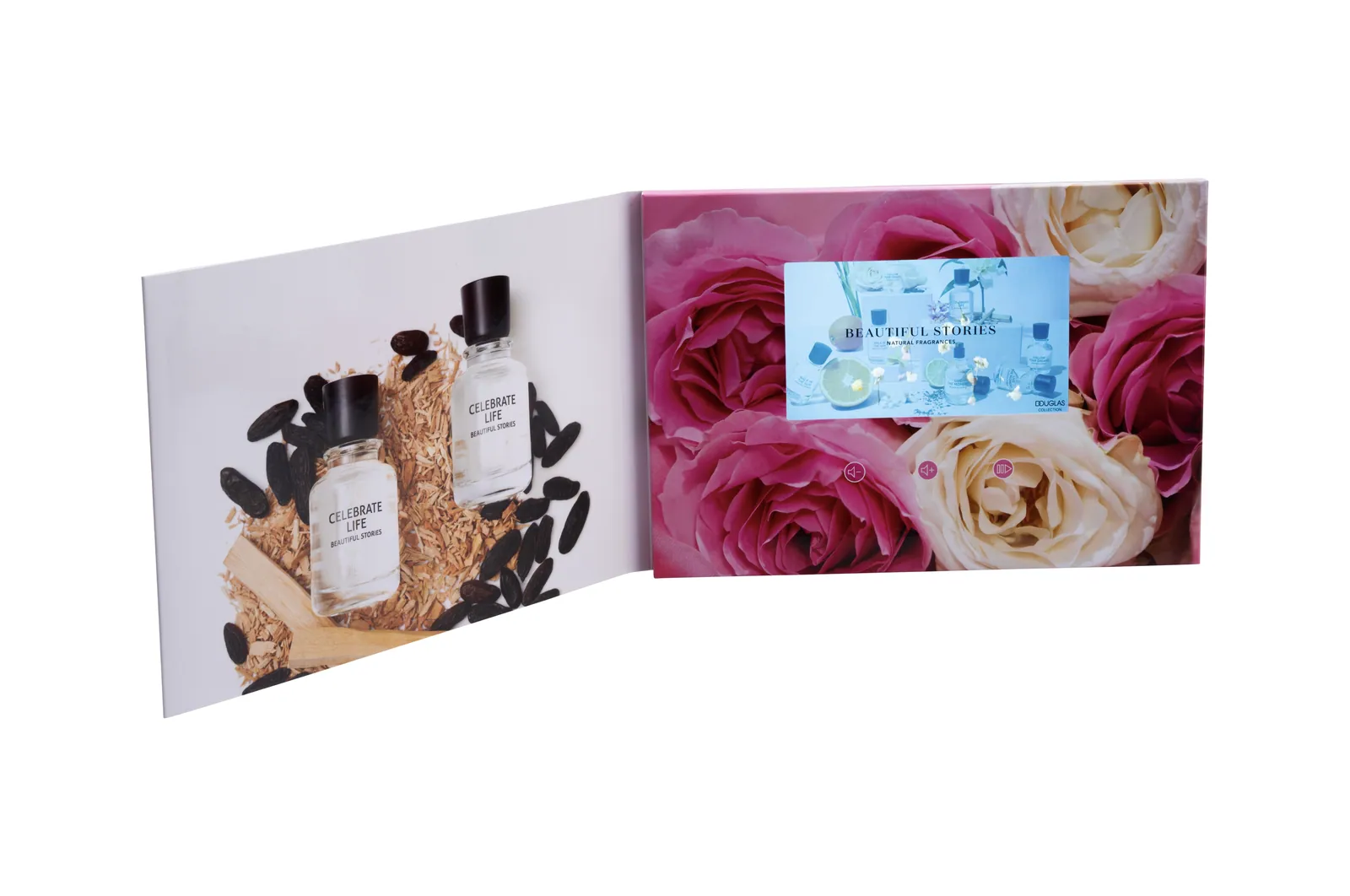
Compare paper, a fold-out or presentation model, QR, NFC and video-in-print from the same task. A digital link can open current or more extensive information, while print remains immediately available and tangible. Video can be suitable when a personal introduction, demonstration or brand story genuinely adds value. Assess updatability, required connection, privacy, distribution, reuse and total management burden before choosing a technique as the original concept.
Use inspiration to discover design questions and not to copy other people's work. For photography, illustration, typefaces, logos, examples, people and video, record who owns the rights and what the material may be used for. Make a test with the real data and test it with people who do not yet know the sender. Ask whether they can find the key information and next step, and note where form, operation or language causes confusion.
Keep the approved design, source files, used data, rights, production agreements, owner and review date together. Withdraw obsolete contact details or digital destinations in a verifiable way and, in the case of custom work, use a control version or sample before production. The current version, run, price and planning are confirmed from the central product and project source; this guide only sets out the enduring design and management route.